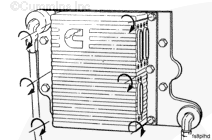
Connect the actuator, sensor, and OEM connectors to the ECM. Use the following procedure in the CELECT™ Electronic Control System L10, M11, and N14 Engines, Bulletin 3666084. Refer to Procedure 019-031 in Section 19.
Hello, I'm Jack, a diesel engine fan and a blogger. I write about how to fix and improve diesel engines, from cars to trucks to generators. I also review the newest models and innovations in the diesel market. If you are interested in learning more about diesel engines, check out my blog and leave your feedback.
View all posts by Jack



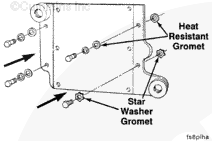

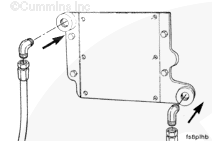
 CAUTION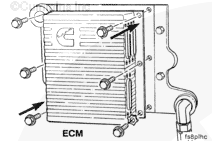

;)
;)
;)
;)
;)
;)
;)
;)
