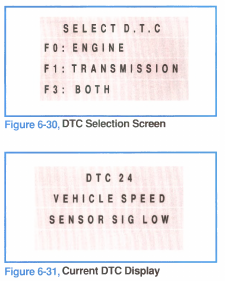
Selecting F2: DTC from the Test Mode menu accesses Diagnostic Trouble Codes. The screen will prompt you for the type of codes you want to view (figure 6-30).
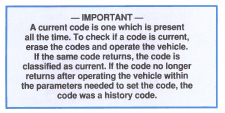
Codes are identified as either current (C) or history (H).
Current codes indicate a present fault; history codes indicate a fault that existed at one time but is not now present.
Codes are displayed one at a time. The Tech 1 will scroll automatically through the list of codes.